
Key facts
- Brand
- Buffalo
- Model
- WLAE-AG300N
- Industry
- Electronics
- Documents
- 2
- Languages
- EN · ZH
- Last added
- 2023-03-14
Start here
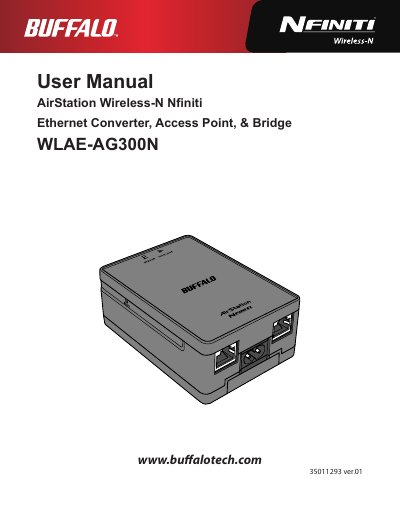
Buffalo WLAE-AG300N AirStation Wireless-N Nfiniti Ethernet Converter User Manual
The Buffalo WLAE-AG300N is a wireless access point, bridge, and Ethernet converter supporting IEEE 802.11a/b/g/n standards. It features automatic setup via AOSS or WPS, web-based administration, and supports security protocols including WPA/WPA2 and WEP.
Read onlineBuffalo WLAE-AG300N specifications
| Wireless LAN Standard Compliance | IEEE802.11a / IEEE802.11b / IEEE802.11g / IEEE802.11n |
|---|---|
| Maximum Link Speed (40 MHz BW) | 300 Mbps |
| Number of LAN Ports | 2 |
| Wired LAN Transmission Rate | 10 / 100 Mbps |
| Power Supply Input | AC 100-240 V Universal, 50/60 Hz |
| Operating Temperature | 0 - 40° C (32 - 104° F) |
Source: Buffalo WLAE-AG300N AirStation Wireless-N Nfiniti Ethernet Converter User Manual
All Buffalo WLAE-AG300N documents by type
Day-to-day operation, settings and troubleshooting. Start here if the product is already set up.
Questions answered in these manuals
Does the device support WPS?
Yes, it supports both AOSS and WPS for easier connection with compatible wireless devices.
From: Buffalo WLAE-AG300N AirStation Wireless-N Nfiniti Ethernet Converter User Manual
How do I restore factory default settings?
Press and hold the Reset button on the side of the unit until the red status LED flashes for about 3 seconds.
From: Buffalo WLAE-AG300N AirStation Wireless-N Nfiniti Ethernet Converter User Manual
How do I reset the device to factory defaults?
Press and hold the reset button on the side until the red status LED flashes (about 3 seconds) to restore factory settings.
What are the power requirements?
The unit operates from AC 100‑240 V, 50/60 Hz and consumes up to about 7.5 W.