
HP LaserJet Pro MFP M125, M126, M127, M128 Getting Started Guide

This document is a Getting Started Guide for the LaserJet Pro MFP M125, M126, M127, M128 printer, providing information on software installation, connection methods, printing, scanning, and other features.
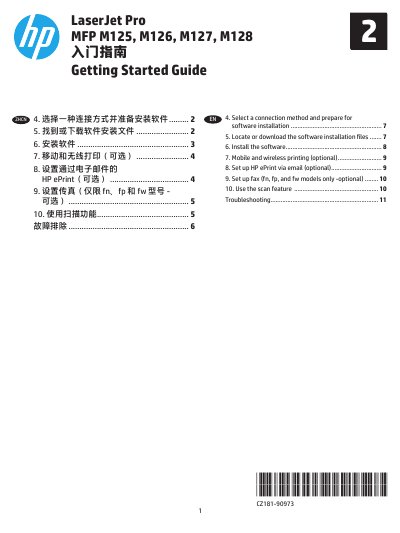

HP LaserJet Pro MFP M125, M126, M127, M128 Getting Started Guide - cover page
Brand
HP
Category
Printer
Document type
User Manual
Language
English
Pages
12
File format
PDF
File size
2.2 MB
Published
07 March, 2023
Updated
28 September, 2023
Models
M125, M126, M127, M128
MD5 checksum
9B6E97EE9F640077B817F71343704F0B

About this manual

This document serves as the Getting Started Guide for the HP LaserJet Pro MFP M125, M126, M127, and M128 series. It covers essential steps to get the printer up and running, including selecting a connection method and preparing for software installation. The guide details how to locate or download the necessary software installation files for Windows and Mac operating systems.

What's inside

  • Select a connection method
  • Locate or download software
  • Install the software
  • Mobile and wireless printing
  • Set up HP ePrint
  • Use the scan feature
  • Troubleshooting
Download PDF (2.2 MB)

More HP Manuals


View all HP manuals →