
HP Officejet J4500/J4660/J4680 All-in-One Series User Guide

This document is the user guide for the HP Officejet J4500/J4660/J4680 All-in-One series, providing instructions and precautions for using the products.
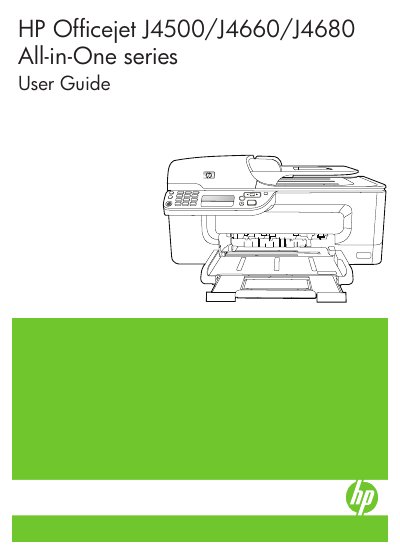

HP Officejet J4500/J4660/J4680 All-in-One Series User Guide - cover page
Brand
HP
Category
Printer
Document type
User Manual
Language
English
Pages
196
File format
PDF
File size
8.2 MB
Published
02 March, 2023
Updated
27 September, 2023
Models
J4500, J4660
MD5 checksum
7D8EB89D647CA91FA3B810ECC5625625

About this manual

The document serves as a comprehensive manual for the HP Officejet J4500, J4660, and J4680 All-in-One series. It covers essential topics including getting started with device parts, connecting to networks (including wireless setup for the J4680), and using control panel menus.

What's inside

  • Get started
  • Use the device
  • Print
  • Scan
  • Copy
  • Fax
  • Configure and manage
  • Maintain and troubleshoot

Frequently asked questions

What safety precautions should be followed when connecting the product to power?

You must use only a grounded electrical outlet when connecting the product to a power source.

Are there any user-serviceable parts inside the device?

No, there are no user-serviceable parts inside, so servicing must be done by qualified personnel.

What operating systems are supported for accessibility features?

The device software supports Windows accessibility options and Mac OS accessibility options.

Download PDF (8.2 MB)

More HP Manuals


View all HP manuals →