
This manual describes how to use the HP PhotoSmart 330 digital camera. This manual includes the following topics: how to install the camera, how to use the camera, how to transfer photos to your computer, and how to use the HP PhotoStitch software to stitch photos together to create panoramas.
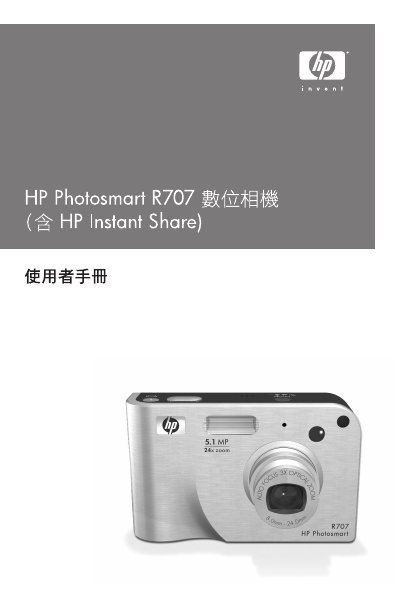
This document is the user guide for the HP Photosmart R707 digital camera. It covers initial setup procedures including installing batteries, memory cards, and accessories. The guide details how to capture still photos and video clips, adjust various settings such as focus, exposure, white balance, and image quality, and use specific modes like Panorama and Instant Share. This manual is written in Chinese.
The manual lists specific support types and sizes for the camera's memory card, though exact models are detailed in the appendix.