
This manual describes basic information, product features, product views, control panel, software, connectivity, paper and print media, print tasks, window color, management and maintenance for the HP Color LaserJet Professional CP5225 Series printer.
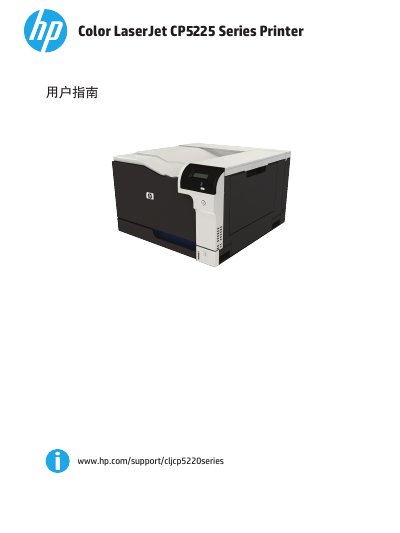
This document is the User Guide for the HP Color LaserJet Professional CP5225 Series printer. It provides comprehensive instructions for setting up the device, installing software for Windows and Macintosh, and configuring network connections. The guide details how to manage print jobs, adjust print settings, and handle various media types.
The manual also covers maintenance procedures, including how to replace toner cartridges and memory DIMMs, as well as troubleshooting common issues such as paper jams and print quality problems. It includes specifications, environmental information, and warranty details. This manual is written in Chinese.