
This document is the user guide for ESI Feature Phone, providing information about the features and characteristics of ESI products. It includes detailed explanations of 48-key, 24-key, and 12-key digital feature phones, as well as instructions on connecting ESI phones and using voice mail.
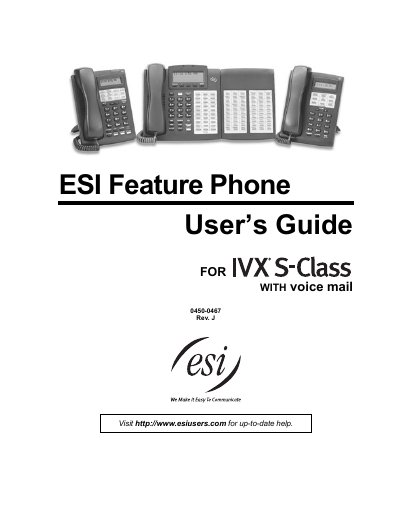
This document serves as a user's guide for ESI feature phones, specifically the 48-Key, 24-Key, and 12-Key Digital Feature Phone models, as well as the optional 60-Key Expansion Console. It details the built-in voice mail features, user programming capabilities, and general phone functionalities designed for business environments.
| Display (48-Key) | 3-line, 56-character |
|---|---|
| Programmable keys (48-Key) | 30 |
| Programmable keys (24-Key) | 12 |
| Programmable keys (12-Key) | 9 |
| Display (24-Key) | 2-line, 32-character |
| Display (12-Key) | 1-line, 16-character |
You can perform direct programming by holding down a programmable feature key for at least two seconds.
The HELP key provides access to the Verbal User Guide and tutorial.
Yes, the 60-Key Expansion Console adds 60 more programmable feature keys but is for use with the 48-Key Digital Feature Phone only.