
ESI Communications Servers Phone User's Guide

This document is a user guide for ESI Communications Servers and ESI phones, covering current and legacy ESI phone models. ESI is a company that designs and manufactures high-performance phone systems with advanced technology and user-friendly features.
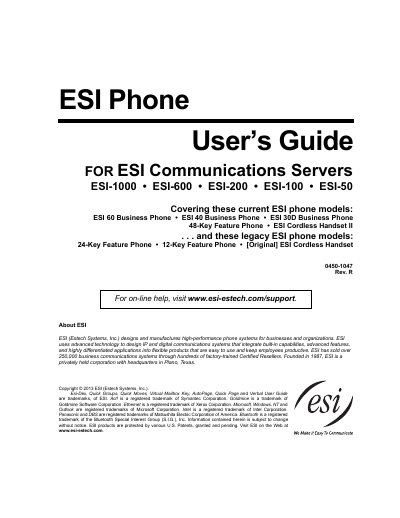

ESI Communications Servers Phone User's Guide - cover page
Brand
ESI
Category
Other Electronics
Document type
User Manual
Language
English
Pages
109
File format
PDF
File size
3.5 MB
Published
24 February, 2023
Updated
27 September, 2023
MD5 checksum
70FF3B3766036DEBCA408675DA3FF8B7

About this manual

This document serves as a user's guide for ESI Communications Servers, providing instructions on how to use supported phone models effectively. It covers current models such as the ESI 60 Business Phone (digital and IP versions), ESI 40 Business Phone, 48-Key Feature Phone, and ESI Cordless Handset II, as well as legacy products like the 24-Key and 12-Key Feature Phones.

What's inside

  • Phone illustrations
  • User programming
  • Voice mail operation
  • Phone operation
  • Special keys and features
  • Analog stations

Frequently asked questions

What is the maximum number of optional Expansion Consoles supported by the ESI 60, ESI 40, and 48-Key Feature Phones?

Each of these phone models can support up to two optional Expansion Consoles.

How many additional programmable feature keys can be added using the optional Expansion Consoles?

Using the optional Expansion Consoles allows for a possible total of 120 additional programmable feature keys.

What is the minimum time required to hold down a programmable feature key to perform direct programming?

You must hold down a programmable feature key for at least two seconds to perform direct programming.

Download PDF (3.5 MB)

More ESI Manuals


View all ESI manuals →