
User guide for the ESI Presence Management RFID Reader covering installation, basic and advanced features, and programming.
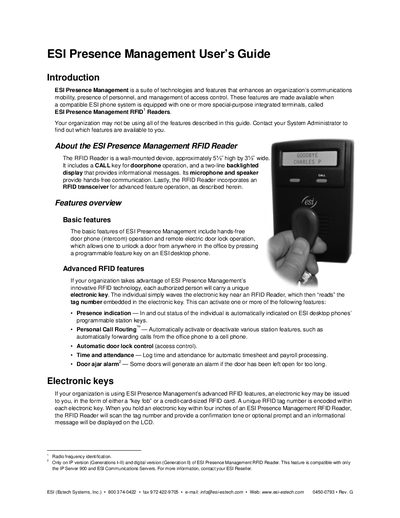
The ESI Presence Management RFID Reader is a wall‑mounted device that provides hands‑free doorphone operation, remote electric door lock control, and RFID‑based access features. It includes a CALL key, a two‑line back‑lit display, a microphone, speaker, and an RFID transceiver for reading electronic keys.
The guide explains basic functions such as doorphone calls and remote door unlocking, advanced RFID capabilities like presence indication, personal call routing, time‑and‑attendance logging, and quiet‑time settings, and provides step‑by‑step programming instructions using an ESI desktop phone.
| Height | approximately 5 inches |
|---|---|
| RFID detection range | within four inches |
Press the CALL button on the RFID Reader to place a call, then use the remote door unlock feature key to unlock the associated door.
Quiet time automatically routes calls to your voice mailbox during the configured period, stopping call forwarding and message delivery.