
This document describes the use and features of ESI Feature Phone
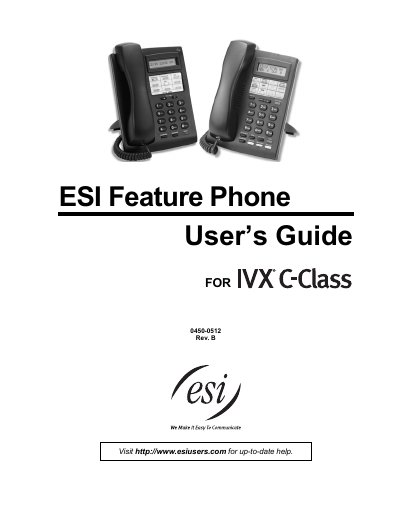
The ESI 0450-0512 Feature Phone User Guide introduces the phone’s hardware layout, key functions, and how to connect the handset and line. It explains both the 24‑Key and 12‑Key versions, their displays, programmable keys, and special features such as Caller ID and paging.
The guide also provides detailed instructions for using the Verbal User Guide (Help mode), making and managing calls, transferring, forwarding, and using analog stations. An index at the end helps locate specific topics quickly. This manual is written in Chinese.
| 24‑Key display | 2‑line, 32‑character |
|---|---|
| 12‑Key display | 1‑line, 16-character |
| Programmable feature keys (24‑Key) | 12 |
| Programmable feature keys (12‑Key) | 9 |
| Volume/scroll keys | present on both models |
Press the PROG/HELP key while the phone is idle or during a call to hear spoken help menus.
Plug the handset into the right‑side jack and the line cord into the left‑side jack on the phone’s underside.
Lift the handset, hear the internal dial tone, then dial 9 (or 8 or 7) followed by the telephone number.