
This manual covers the installation, driver setup, control panel usage, and technical specifications for the ESI MaXiO XD system, EX8000 rack unit, and…
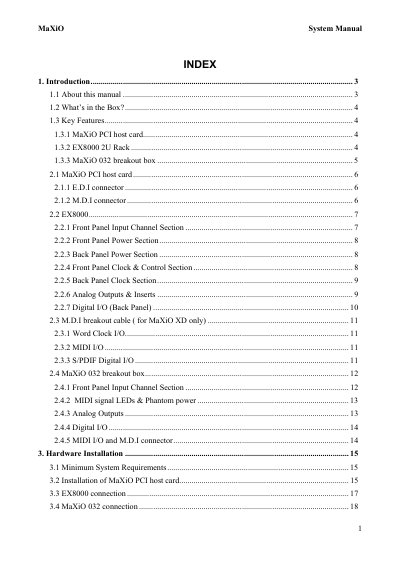
The ESI MaXiO System Manual provides comprehensive instructions for the MaXiO XD recording system, which includes a PCI host card, the EX8000 2U rack unit, and the optional MaXiO 032 breakout box. The document details hardware installation steps, driver configuration for Windows XP/2000, and control panel operations to manage audio inputs, outputs, and clock sources.
| Audio Resolution | 24-bit / 192 kHz |
|---|---|
| Max Channels | 32 input and 32 output channels |
| ADC Dynamic Range (EX8000) | 123dB(a) |
| DAC Dynamic Range (EX8000) | 120dB(a) |
| Microphone Preamp Noise | -135.5dBu |
| Supported Sample Rates | 44.1, 48, 88.2, 96, 176.4 and 192 kHz |
| Power Input | 100~240V AC |
The system is equipped with ESI's EWDM driver for perfect compatibility with Windows XP and 2000.
Yes, +48V DC phantom power is supplied via every XLR input connector when the Phantom Power Switch is enabled.
Microphone signals can be amplified with 48dB maximum, while line level signals support up to 30dB.