
This user guide provides operation guides for ESI Feature Phone users, including device connection, user programming, voice mail operation, etc.
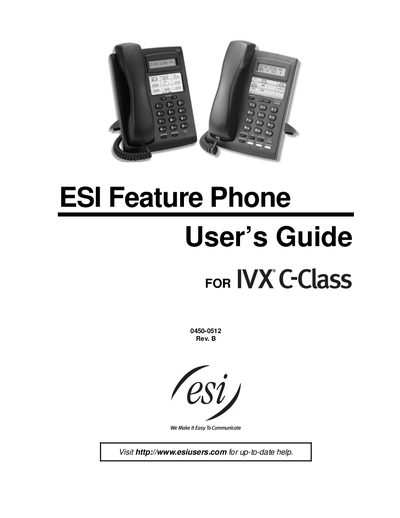
This guide introduces the ESI Feature Phone family, covering both 24‑Key and 12‑Key models. It explains the basic layout, key functions, and how to access the built‑in verbal help system.
The manual provides step‑by‑step instructions for connecting the phone, using programmable feature keys, handling calls, and accessing special functions such as paging, call forwarding, and headset operation. An index at the end helps locate specific topics quickly.
| Display (24‑Key) | 2‑line, 32‑character |
|---|---|
| Display (12‑Key) | 1‑line, 16‑character |
| Programmable feature keys (24‑Key) | 12 |
| Programmable feature keys (12‑Key) | 9 |
| Status indicator lamp | present |
Hold down a programmable feature key for at least two seconds to enter direct programming mode.
It opens the verbal user guide and tutorial for phone programming.