
This document is a quick guide for the GC551 model from AVerMedia, providing instructions in multiple languages including English, Czech, Traditional Chinese, German, Dutch, Simplified Chinese, Spanish, Hungarian, Korean, French, Turkish, Italian, Russian, Portuguese, Polish, and Thai. The document contains example images and the actual product and software versions may vary. The information in this document has been carefully checked for reliability, but accuracy is not guaranteed. The information in this document is subject to change without notice. Copyright for this document belongs to AVerMedia Technologies, Inc. and no part of this publication may be reproduced, transmitted, transcribed, altered, or translated without written permission. Information and specifications in this manual are subject to change and do not represent a commitment from AVerMedia. For more information, please visit www.avermedia.com. AVerMedia and RECentral are trademarks or registered trademarks of AVerMedia Technologies, Inc.
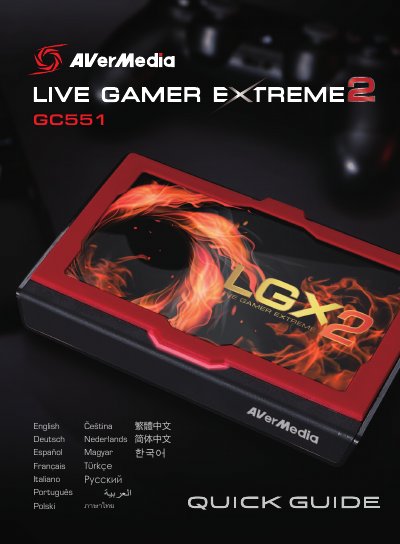
The document provides a quick start overview for the AVerMedia GC551 Live Gamer EXTREME 2. It details the contents of the box, including the device, cables, and software keys like PowerDirector 15. Users are instructed to install RECentral software to record and broadcast gameplay.
The device supports a maximum capture resolution of 2160p.
The unit measures 145.3 x 97 .2 x 29 mm and weighs 182 g.
A slowly blinking red LED indicates that the device is currently recording.