
This document describes the features and functions of Extech 433201A and 433202A Microprocessor Calibrator/Temperature Meter. The instrument can receive signals from thermocouple sensors and display temperature values in measurement mode, and output millivolt signals in source mode. The instrument also has temperature offset function and storage function for 5 preset output values.
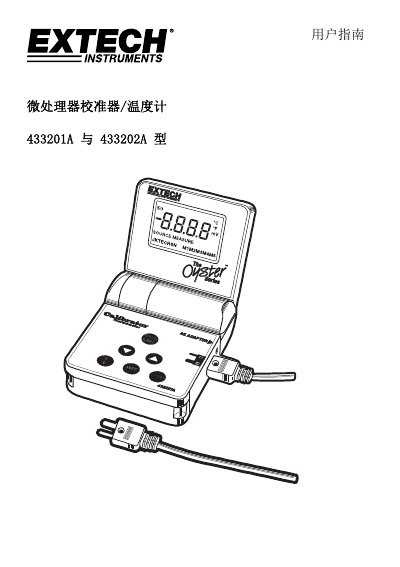
This manual provides instructions for the Extech 433201A (115V) or 433202A (220V) Microprocessor Thermocouple Calibrator/Thermometer. The device operates in two main modes: MEASURE mode, which receives millivolt signals from a thermocouple and displays the temperature or mV value, and SOURCE mode, which outputs a millivolt signal to an external device while displaying the corresponding temperature. Users can switch between mV and temperature displays and select from various thermocouple types (J, K, T, E, C, R, S, N). This manual is written in Chinese.
This microprocessor thermocouple calibrator and thermometer measures millivolt signals from thermocouples or outputs millivolt signals to external devices.
The included 9V nickel-metal hydride battery should be charged for 24 to 48 hours before first use.
The device allows a maximum applied voltage of 60mV between any terminal and ground or between two arbitrary terminals.