
This document is the user manual for ITECH IT8211 DC electronic load, which introduces the safety regulations and precautions of the product, including not opening the cabinet, avoiding electrical shock, and connecting the instrument chassis and cover to an electrical ground. It also provides information on the certification and quality assurance of the product, as well as the warranty period and repair policy.
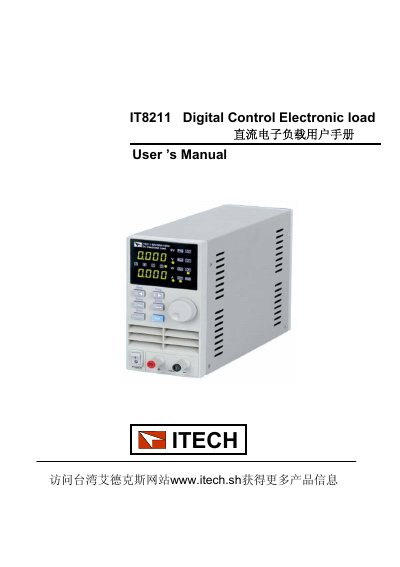
This manual provides instructions for the ITECH IT8211 Digital Control Electronic Load, a 60V/30A/150W device designed for accurate testing with high resolution. It covers safety regulations, warranty information, and product features including constant voltage, constant current, and constant resistance modes.
The document details the panel layout, quick start guide, and specific operating procedures for setting up the load in different modes. It also explains how to configure protection settings like Over Current Protection (OCP) and use the shortcut key groups for efficient testing. This manual is written in Chinese.
| Voltage Rating | 60V |
|---|---|
| Current Rating | 30A |
| Power Rating | 150W |
| Resolution | 10mV, 1mA |
| Warranty Period | ONE year |
The IT8211 supports Constant Voltage (CV), Constant Current (CC), and Constant Resistance (CR) working modes.
The default OCP setting is 30A, which matches the maximum current rating of the unit.
The unit allows the customer to set up to 100 shortcut key groups.