
Installation and operation guide for the ITECH IT9121 power meter, covering safety precautions, rack mounting, wiring, and calibration.
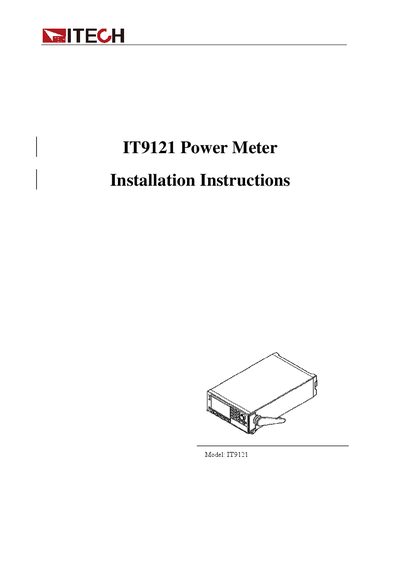
This document serves as an installation and user manual for the ITECH IT9121 Power Meter. It provides essential information regarding warranty terms, safety symbols, and environmental requirements before proceeding with setup.
The guide details the physical installation process, including adjusting or removing the handle and rack mounting options. It further instructs users on connecting power cords, inspecting front and rear panel keys, performing a power-on self-test, zero calibration, fuse replacement, and wiring circuits for direct input or using current sensors.
| Maximum Operating Voltage | 600V |
|---|---|
| Maximum Operating Current | 20A |
| Operating Temperature | 5°C-40°C |
| Storage Temperature | -20°C-50 °C |
| Altitude Limit | ≤2,000m |
The product is warranted to be free from defects in material and workmanship for one year from the date of delivery.
Users must not exceed 600V voltage or 20A current, as exceeding these limits will lead to burnout.
To make accurate measurements, allow the instrument to warm up for 30 minutes.