
The Itech IT8800 series user manual provides setup, operation, safety, specifications, and communication interface details for models IT8811, IT8812…
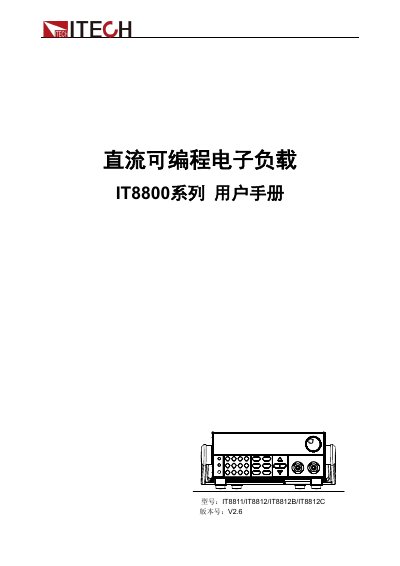
This manual describes the Itech IT8800 series programmable DC electronic loads, covering four models (IT8811, IT8812, IT8812B, IT8812C). It explains product features, safety symbols, environmental limits, and warranty information.
The document includes step‑by‑step installation, quick‑start usage, detailed functional descriptions, technical specifications, and communication interface guidance for RS‑232, USB, and GPIB connections. This manual is written in Chinese.
| Input voltage range | 0‑120 V (IT8811/IT8812) / 0‑500 V (IT8812B/IT8812C) |
|---|---|
| Input current range | 0‑3 A (IT8811/IT8812B) / 0‑30 A (IT8812) / 0‑15 A (IT8812B) / 0‑60 A (IT8812C) |
| Maximum input power | 150 W (IT8811) / 250 W (IT8812/IT8812C) / 200 W (IT8812B) |
| Protection – over‑current | ≈3.3 A (IT8811/IT8812) / ≈33 A (IT8812) / ≈16.5 A (IT8812B) / ≈66 A (IT8812C) |
| Physical dimensions | W 214.5 mm × H 88.2 mm × D 354.6 mm |
Use a DB‑9 cable to connect the load’s RS‑232 COM port to the computer’s COM port and ensure matching baud rate, parity, data bits and flow control.
Verify that the AC voltage setting (110 V or 220 V) matches the supplied mains voltage, otherwise the load may be damaged.
The load provides over‑voltage, over‑current, over‑power, and over‑temperature protection with thresholds such as ≈130 V, ≈33 A, ≈260 W, and ≈85 °C.