
This user manual is issued by ASUSTeK Computer Inc. It introduces the features and characteristics of the ASUS ET1612I series All-in-one PC.
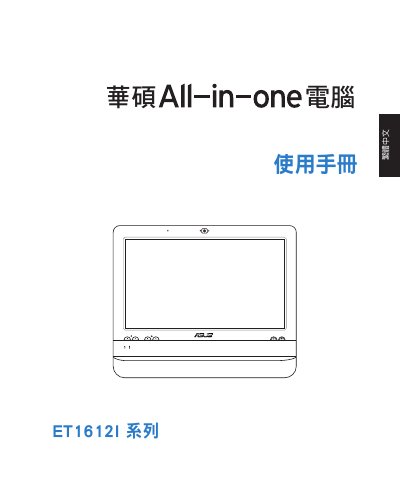
This user manual covers the ASUS ET1612I Series All-in-one PC, detailing the contents of the packaging, safety precautions, and basic setup procedures. It guides users through connecting peripherals, powering on the device, and configuring the touch screen and network connections.
The document also includes specific instructions for mounting the All-in-one PC on a wall, adjusting the touch screen calibration, and restoring the system using hidden disk or USB storage devices. It emphasizes the importance of not disassembling the unit to maintain warranty coverage. This manual is written in Chinese.
| Screen Size | 15.6 inch |
|---|---|
| Resolution | 1366 x 768 |
| Input Voltage | 100–240Vac |
| Input Frequency | 50–60Hz |
The package includes the All-in-one PC host, keyboard (optional), mouse (optional), power adapter, power cord, wall-mount screws, Quick Guide, warranty card, and plastic stand pads.
Yes, the manual provides instructions for hanging the All-in-one PC on a wall, but it must be installed with a support arm to ensure stability.
Disassembling the product voids the warranty qualification.