
This document is a user manual for the HP LaserJet M207e-M212e series printers. It provides instructions on getting started with the product, connecting it to various networks, loading media, performing printing operations, configuring printer settings, ordering supplies and accessories, and troubleshooting.
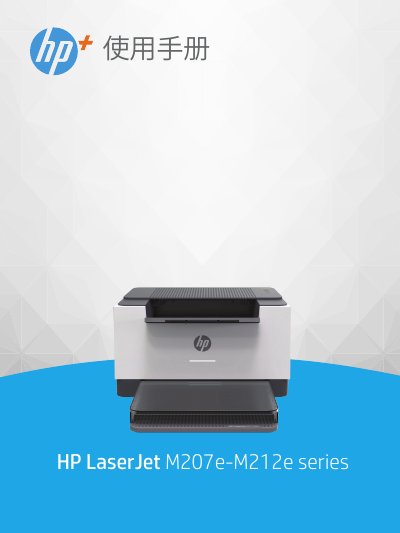
This manual serves as a comprehensive guide for the HP LaserJet M207e-M212e series printers. It covers the printer's physical layout, control panel functions, and the use of the HP Smart application for managing print, scan, and manage tasks. The document details how to connect the printer to a network via Wi-Fi, WPS, or Ethernet, as well as how to connect using a USB cable. It also explains how to load various media types, including paper, envelopes, and labels. This manual is written in Chinese.
Human proximity to the antennas should not be less than 20 cm (8 inches).