
This document is the operation manual for the Panasonic electronic whiteboard (model UB-T580W UB-T580W UB-T580), including the features of touch functionality, the use of elite Panaboard book software, USB power supply, and the usage of stylus and electronic pen. It also provides examples of practical applications in education and business sectors.
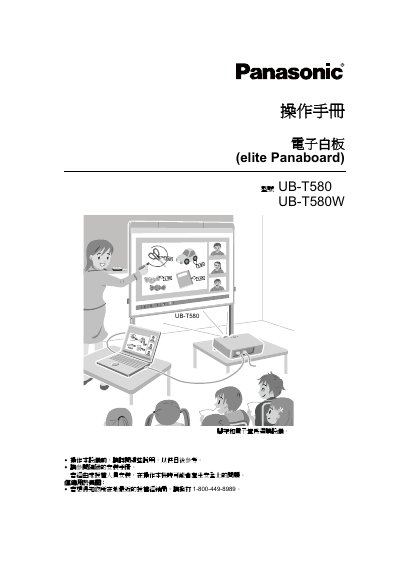
The Panasonic Elite Panaboard UB-T580W is an interactive whiteboard designed to project computer screen images onto its panel for various operations. It supports touch functionality using fingers or a stylus, allowing users to draw, erase, and save content directly on the projected image. The device can be powered via USB from a connected PC, eliminating the need for a separate AC power cord. This manual is written in Chinese.
The maximum sound pressure level is 70 dB(A).
You need an Intel Pentium 4 or higher processor.