
This document is the user guide for HP DeskJet 2300 All-in-One series, which provides information about the printer parts, control panel features, status lights, loading media, and using the HP printer software.
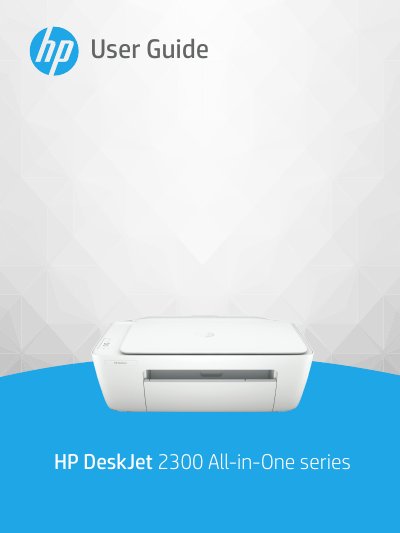
This document serves as the official user guide for the HP DeskJet 2300 All-in-One series. It provides comprehensive instructions on getting started with the device, including identifying printer parts and understanding control panel features and status lights. The guide details how to load media, manage ink cartridges, and use the HP Smart app for printing and scanning tasks on Windows 10.
| Print Method | drop-on-demand thermal inkjet |
|---|---|
| Copy Resolution | up to 1200 x 1200 ppi optical |
| Input Tray Capacity (Plain Paper) | Up to 60 sheets |
| Output Tray Capacity (Plain Paper) | Up to 25 sheets |
| Operating Temperature Range | 15ºC to 30ºC (59ºF to 86ºF) |
| Paper Weight (Plain Paper) | 64 to 90 g/m² (16 to 24 lb) |
The printer can continue to print using the remaining ink, but the quality of printed documents might be affected.
To exit single-cartridge mode, insert the missing corresponding ink cartridge.
The maximum scan size from the glass is 21.6 x 29.7 cm (8.5 x 11.7 inches).