
This document is the installation guide for NEC Express servers Express5800 series Express5800/R320c-E4 and Express5800/R320c-M4. The document provides detailed steps and precautions for installing the OS, installing the included software, and maintaining the servers.
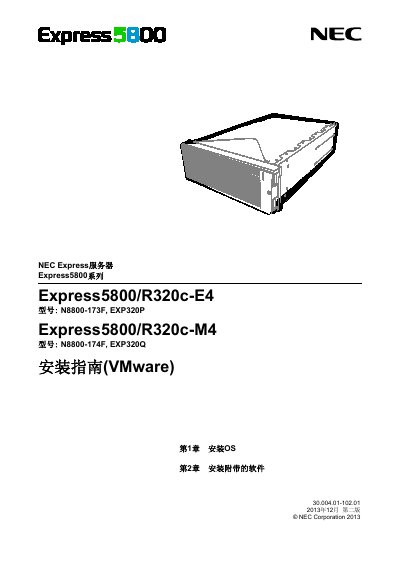
This document serves as an installation guide for the NEC Express5800/R320c -E4 and R320c -M4 server models. It details the procedures for installing operating systems (specifically focusing on VMware ESXi) and accompanying software packages.
The manual covers preparation steps, enabling internal storage and FC cards, configuring system BIOS, setting up the BMC, and managing logs via a dedicated Linux server using NEC ESMPRO Agent. This manual is written in Chinese.
Users must prepare a Linux server and install NEC ESMPRO Agent to configure it as a log server.
This guide covers the installation of VMware ESXi.
Port 514/udp must be open on the log server.
You must edit the /etc/syslog.conf file.