
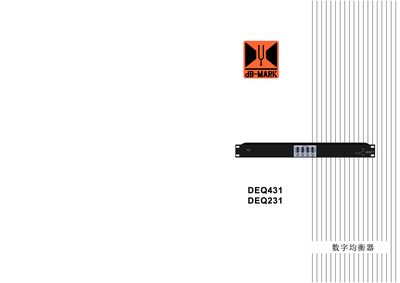
This manual provides detailed instructions for the DEQ431 digital equalizer, a 4‑in/4‑out audio processor with high‑resolution DSP, USB, RS‑485 and Wi‑Fi connectivity. It includes safety precautions, feature descriptions, technical specifications, panel diagrams, and software interface guidance.
The document also explains how to install drivers, connect the unit via USB or RS‑485, configure channel parameters, and perform firmware or Wi‑Fi reset procedures. A digital signal flow diagram and parameter‑query procedures are provided for advanced users and technicians. This manual is written in Chinese.
| Sampling frequency | 192 kHz |
|---|---|
| DSP word length | 32‑bit |
| A/D and D/A resolution | 24‑bit |
| Input impedance | 20 kΩ (unbalanced) |
| Output impedance | 100 Ω (unbalanced) |
| Supply voltage | AC 110‑220 V, 50/60 Hz |
| Dimensions (W×D×H) | 482 mm × 211 mm × 44 mm |
| Net weight | 3.75 kg |
| Frequency response | 20 Hz‑20 kHz (‑0.5 dB) |
| Total harmonic distortion | <0.01 % |
| Signal‑to‑noise ratio | >110 dB |
| Channel separation | >80 dB (1 kHz) |
| Crosstalk | >70 dB (1 kHz) |
Press and hold the CH2 and CH3 keys together for more than 10 seconds until all green LEDs light; this restores Wi‑Fi to factory settings.
The DEQ431 supports USB, RS‑485 (RJ‑45), and Wi‑Fi connections for PC control.
Up to 250 devices can be connected through the RS‑485 interface over distances exceeding 1500 m.