
This document is the Hot Wire 5 Manual, which describes the features and characteristics of the Hot Wire 5 model. This product is a hot wire anemometer with data logging capability, which can display and save air velocity and temperature readings, and supports both the built-in thermometer and an externally connected thermocouple sensor. The data is saved on an SD card for transfer to a PC. The product is shipped tested and calibrated and, with proper use, will provide many years of reliable service.
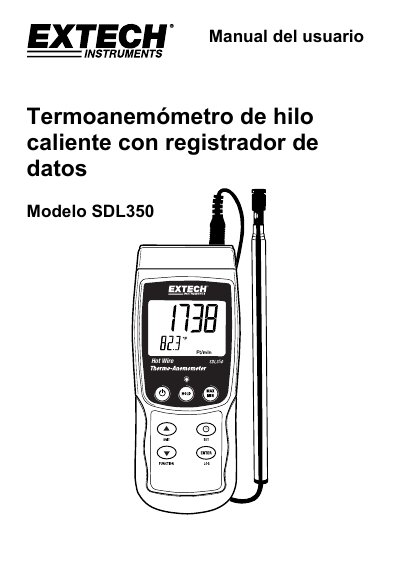
The document provides instructions for operating the Extech SDL350 hot wire anemometer and data logger. It details three main modes of operation: air velocity (with temperature), thermocouple temperature measurement (Type K or J), and airflow volume calculation (PCM/MCM). The manual explains how to use the built-in sensors, connect external thermocouples, and utilize the telescopic sensor handle. This manual is written in Spanish.
| Supported Thermocouple Types | Type K or J |
|---|---|
| Data Storage Capacity | Up to 99 manual readings |
| SD Card Support | 1G to 16G |
Press and hold the power button for at least 1.5 seconds.
Air velocity with temperature, thermocouple temperature (Type K or J), and airflow volume.
Press and hold the LOG key for at least 1.5 seconds.