
This document is a user guide for the HP LaserJet Enterprise 700 color MFP M775 series. It describes the features and characteristics of the products, including comparisons between different models, product views, paper tray configurations, and instructions for connecting and installing software.
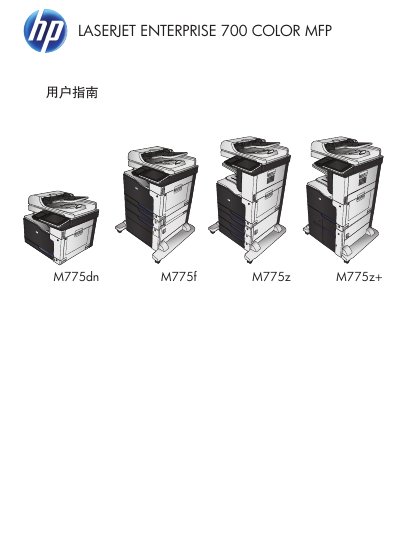
This document is the official user manual for the HP LaserJet Enterprise 700 Color MFP M775 series, including models M775dn, M775f, M775z, and M775z+. It provides comprehensive instructions in Chinese on connecting the device to computers via USB or network, installing software for Windows and Mac OS X, and configuring IP addresses.
The guide details operations such as loading paper into various trays (including 3,500-sheet capacity options), performing print jobs with color matching and watermarking, copying documents, scanning to email or folders, sending faxes, and managing device settings via the embedded web server. It also includes troubleshooting steps for improving print quality and clearing paper jams. This manual is written in Chinese.
| Paper Tray 1 Capacity | Up to 100 sheets of 75 g/m2 paper |
|---|---|
| Paper Tray 2 Capacity | Up to 250 sheets of 75 g/m2 paper |
This guide covers the M775dn, M775f, M775z, and M775z+ models.
Tray 1 holds up to 100 sheets of 75 g/m² bond paper.
You can load a maximum of 10 envelopes in Tray 1.
The maximum paper stack height for Tray 2 is 25 millimeters.