
This document is a user manual for the AOC Q27P2U i LCD monitor, including information on safety conventions, power usage, installation, cleaning, settings, inventory list, troubleshooting, etc.
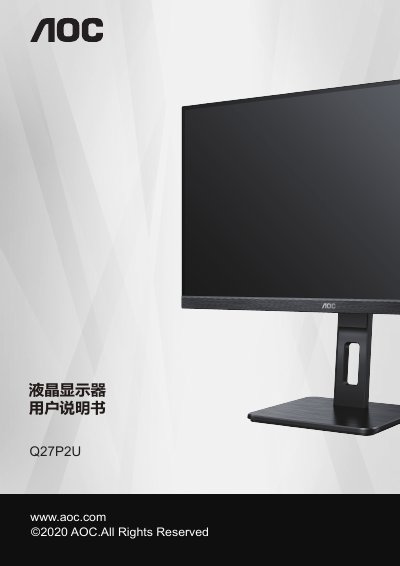
This document serves as the user manual for the AOC Q27P2U LCD monitor. It provides essential information on safety precautions, power usage, installation, cleaning, and general usage guidelines. The guide includes instructions for adjusting the viewing angle, connecting the monitor, and configuring display settings via the On-Screen Display (OSD). This manual is written in Chinese.
| Panel Type | TFT Color LCD |
|---|---|
| Viewable Image Size | 68.5 cm diagonal |
| Recommended Resolution | 2560x1440@60Hz |
| Maximum Resolution | 2560x1440@75Hz |
| Power Input | 100-240V~, 50/60Hz, 1.5A |
| Typical Power Consumption | 28W |
| Maximum Power Consumption | ≤65W |
| Operating Temperature | 0°~ 40° |
The recommended resolution is 2560x1440 at 60Hz.
The maximum power consumption is less than or equal to 65W.
The monitor operates within a temperature range of 0° to 40°.