
The HP Photosmart C4380 All-in-One series is a multifunction printer that can print, scan, copy, and fax. It supports wireless network connection, making it convenient for users to perform printing and scanning operations. In addition, it also has features for printing photos and CD/DVD labels.
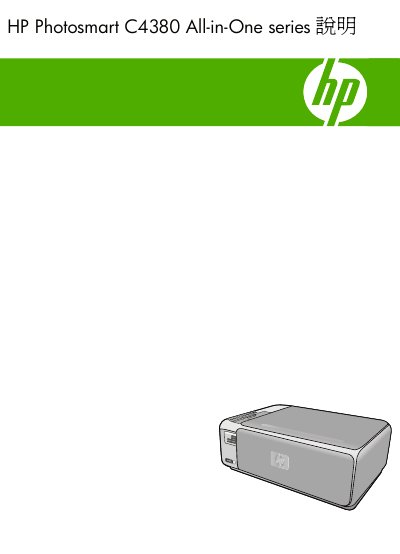
This document serves as a comprehensive guide for the HP Photosmart C4380 All-in-One series. It provides detailed instructions on setting up the device, including connecting to computers via USB or wireless networks (WLAN 802.11). The manual covers essential operations such as printing documents and photos, scanning images, and making copies. This manual is written in Chinese.
The manual suggests specific paper types suitable for the device, while listing others that should be avoided to prevent issues.
The guide explains how to use integrated wireless WLAN 802.11 for connection, including preparation and configuration steps.
You can execute special printing jobs to create borderless copies of photos directly from the device.