
The HP Officejet 6700 is a multi-function printer with user-friendly features and a convenient interface. It is suitable for users with visual and mobility impairments and offers a variety of printing and scanning options.
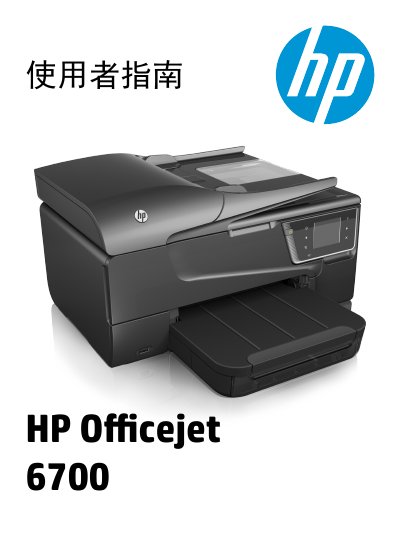
This document is the user guide for the HP Officejet 6700 e-All-in-One series. It serves as a comprehensive reference for end-users to operate the device's multifunction capabilities, including printing documents, scanning to computer or memory devices, copying, and sending/receiving faxes. The guide also details how to configure web services like HP ePrint and manage printer settings. This manual is written in Chinese.
| Product Series | e-All-in-One series |
|---|---|
| Copyright Year | 2014 |
Visually impaired users can access printer software through operating system accessibility options and features.
You can visit the HP website at www.hp.com/accessibility for more details.