
This document provides instructions for the installation and use of the HP Photosmart 240 series printer, including printer placement, power connection, printing card calibration, installing print cartridges, and printing photos.
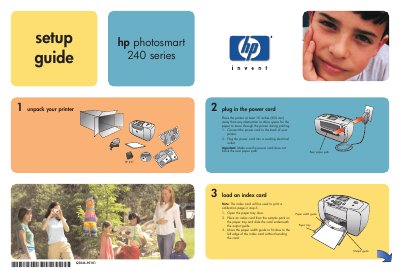
This document provides instructions for setting up the HP Photosmart 240 Series printer. It details how to unpack the device, connect the power cord, and load an index card for calibration purposes.
The guide also explains how to install the print cartridge by removing protective tape and securing it in place. Finally, it outlines the steps to insert a memory card with digital photos and print the first image.
The printer must be placed at least 10 inches (250 mm) away from any obstruction.
Photo paper must be placed with the glossy side up and the tab closest to the inside of the printer.
Push the memory card into the slot until it stops, as it does not insert all the way.