
Avermedia CMS is a complete solution for video on demand, live streaming, and digital signage applications. It offers cost-effective solutions for retail, enterprise, and education applications. It features a user-friendly WebUI and a scalable and reliable system for managing video playlists and digital signage content.
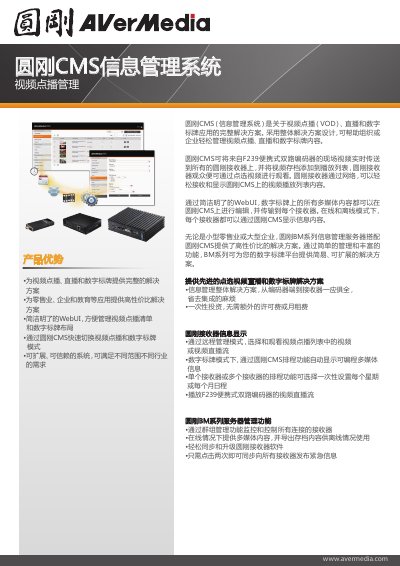
The AverMedia CMS (Information Management System) is a complete solution designed for Video on Demand (VOD), live streaming, and digital signage applications. It provides end-to-end management from the encoder to the receiver via a simple WebUI interface. The system supports various scenarios including retail, enterprise, and education by offering cost-effective solutions with remote management capabilities. This manual is written in Chinese.
| CPU (BM130) | Intel® Haswell ULT i5-4300U 3.4GHz |
|---|---|
| Memory (BM130) | DDR3 16G |
| Storage (BM310) | 2T |
| Video Resolution Support | 320 x 240 to 1920 x 1080 |
| Frame Rate Support | 25, 30, 50, 60 fps |
The system supports Video on Demand (VOD), live streaming, and digital signage applications.
Users can publish emergency messages to specific audience groups or all groups with just two clicks.
The F239 encoder supports H.264 High/Main/Baseline profile and AAC-LC audio.