
This document introduces the features and characteristics of the Extech 470 True RMS Multimeter and Infrared Thermometer. The instrument can measure AC/DC voltage, current, resistance, capacitance, frequency, duty cycle, diode and continuity, and also has a thermocouple and non-contact infrared temperature measurement function.
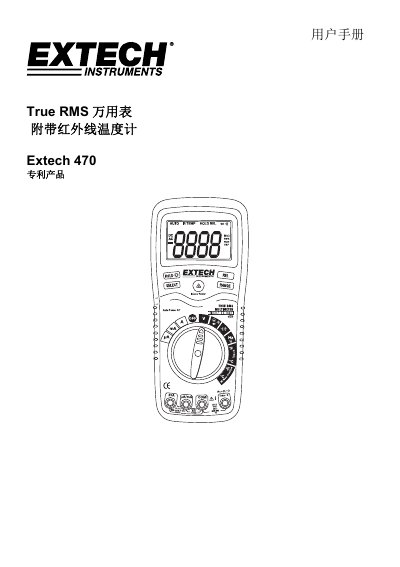
The Extech 470 is a True RMS self-ranging multimeter equipped with an infrared thermometer. It measures AC/DC voltage, AC/DC current, resistance, capacitance, frequency, duty cycle, diode test, continuity, thermocouple temperature, and non-contact infrared temperature.
This user manual covers safety precautions, control descriptions, and step-by-step working guides for various measurement functions including DC/AC voltage/current, resistance, capacitance, frequency, and both contact and non-contact temperature measurements. This manual is written in Chinese.
| Input Protection Limit (Voltage) | 1000VDC/750VAC, 200Vrms (Range: 200mV) |
|---|---|
| Input Protection Limit (Current mA) | 500mA |
| Input Protection Limit (Current A) | 20A |
| Frequency, Resistance, Capacitance Max Voltage | 250Vrms |
| Temperature Measurement Limit | 60V DC/24V AC |
The maximum input value is 250Vrms.
You should not exceed 30 seconds when measuring 20A level current.
It indicates that the measured value exceeds the selected range.