
This user manual describes the features and functions of the Extech SDL710 Heavy Duty Differential Pressure Manometer. The device can measure pressure gauge and pressure difference, supports multiple measurement units, and can save recorded data on an SD card. The manual also provides information on the safe use and basic operations of the instrument.
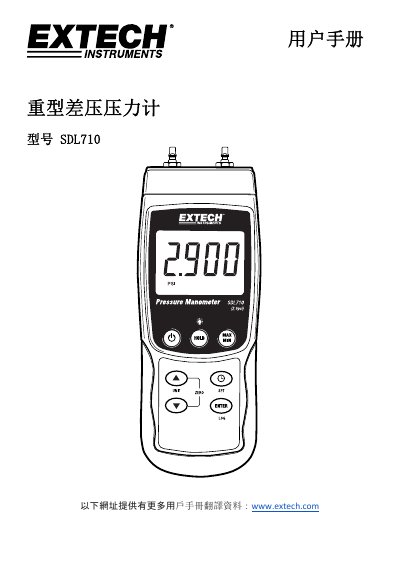
The Extech SDL710 is a heavy-duty differential pressure manometer designed to measure pressure differences within a range of ±2.9 psi. It supports multiple measurement units including mbar, psi, Kg/cm², mmHg, inH2O, hPA, and kPa. The device features an LCD display with backlight, data logging capabilities via SD card (1GB to 16GB), and various input ports for connecting sensors. This manual is written in Chinese.
| Pressure Range | ±2.9 psi |
|---|---|
| Power Supply | 6 x 1.5VDC AA batteries or AC adapter |
| SD Card Capacity | 1GB to 16GB |
| Hose Connector Size | 4.0mm (0.157") |
Press and hold the power button for at least 1.5 seconds to turn it on, and press and hold again for at least 1.5 seconds to turn it off.
Press and hold the UNIT button until the desired unit appears, then release it to select.
Set the sampling rate to '0' in Setup mode, then press and hold the LOG button for at least 1.5 seconds.