
This document is the user guide for NEC Express Server Express5800 series product Express5800/R110e-1E. It includes overall description, installation preparation, installation, and appendix. The document provides detailed information about the features and usage of the product.
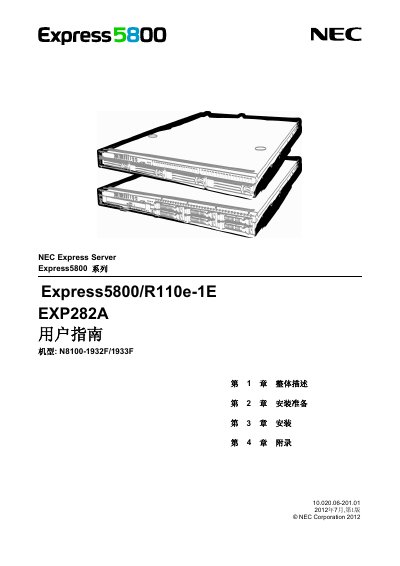
This document serves as the user guide for the NEC Express5800/R110e-1E server, covering product descriptions, installation preparation, and step-by-step installation procedures. It includes information on system BIOS configuration and the use of the EXPRESSBUILDER utility. This manual is written in Chinese.
The server supports Windows Server 2008 R2 Standard, Enterprise, and Foundation, as well as Windows Server 2008 Standard and Enterprise, and various Windows Server 2003 R2 and Windows Server 2003 editions.
Unless stated otherwise, the manual refers to HDDs as either hard disk drives or solid-state drives.
You must read the safety precautions included in the manual before using the server.