
This document explains how to correctly install printer drivers and add a printer, detailing the installation steps and precautions.
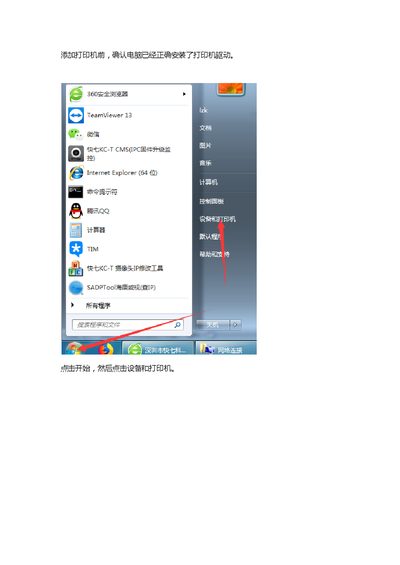
This document serves as an installation guide for the HP LaserJet Professional P1108 printer. It details the process of adding the printer to a Windows system, including verifying driver installation and selecting the appropriate port type. This manual is written in Chinese.
The guide is for the HP LaserJet Professional P1108.
The example IP address for the printer host is 192.168.100.22.
The port name used is standard tcp/ip port.