
HP LaserJet 1022, 1022n, and 1022nw are printer products. This document provides detailed information about the user manual for these products and related copyright information.
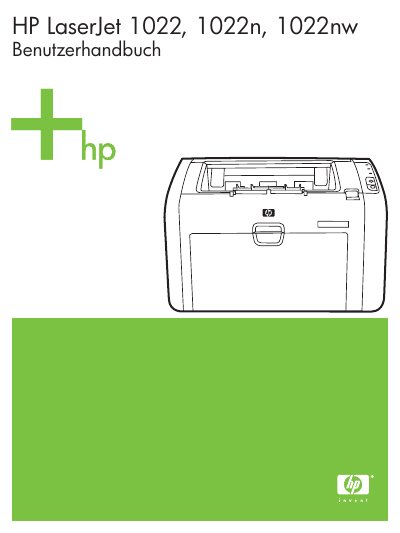
This document serves as a comprehensive user guide for the HP LaserJet 1022 series of laser printers. It provides detailed instructions on printer basics, including an overview of hardware components such as the control panel and media paths (priority tray, main tray, output bin). The manual covers essential topics like connecting the printer via USB or network, managing print jobs, and configuring software settings for Windows and Macintosh computers. This manual is written in German.
This guide covers the HP LaserJet 1022, 1022n, and 1022nw printers.
The main input tray holds 250 sheets of paper.
The printer supports the IEEE 802.11b/g norm.