
This document is a user guide for HP LaserJet 1020 printer, including information on printer basics, configuration, printing tasks, media usage guidelines, maintenance, and troubleshooting.
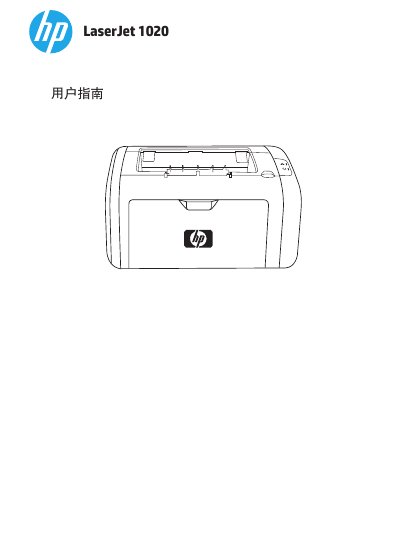
This user guide covers the basic information, setup, and operation of the HP LaserJet 1020 printer. It details how to install the printer software, connect via USB, and configure print settings on various operating systems. The guide also explains how to load different types of media, such as paper, envelopes, and labels, into the feeder slots. This manual is written in Chinese.
| Maximum Paper Capacity | 150 sheets |
|---|---|
| Recommended Paper Weight | 75 g/m2 |
| Maximum Printing Temperature | 200° C |
The manual recommends using standard 75 g/m2 paper for optimal performance.
HP recommends using the bypass tray to print labels.
Using media that does not meet specifications may result in poor print quality, increased paper jams, or premature printer wear.