
This document is an installation guide that explains how to install the machine and software, and includes instructions for purchasing consumables and setting up scanning/faxing.
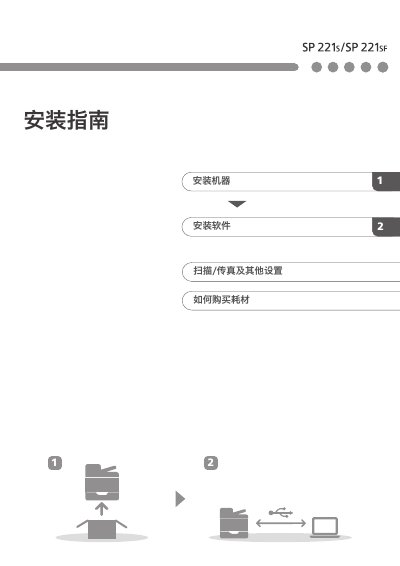
This document provides installation instructions for the Ricoh SP 221s and SP 221sr printers. It details the electrical specifications required for operation, listing a voltage range of 220 - 240 V, 50/60 Hz, and a current rating of 5A. The guide also outlines the necessary operating system environments for setup.
| Voltage | 220 - 240 V |
|---|---|
| Frequency | 50/60 Hz |
| Current | 5A |
Drivers can be downloaded from the Ricoh support gateway.
The printer requires a power supply of 220 - 240 V, 50/60 Hz, 5A.
The printer supports Microsoft Windows, Mac OS, and various Linux distributions including Red Hat Enterprise Linux, SUSE Linux, Ubuntu, and others.