
This document is the user manual for SWIT® 27-inch HD broadcast LCD monitor by Nanjing Osee Electronic Technology Co., Ltd. It describes the features of the product and provides usage instructions and precautions.
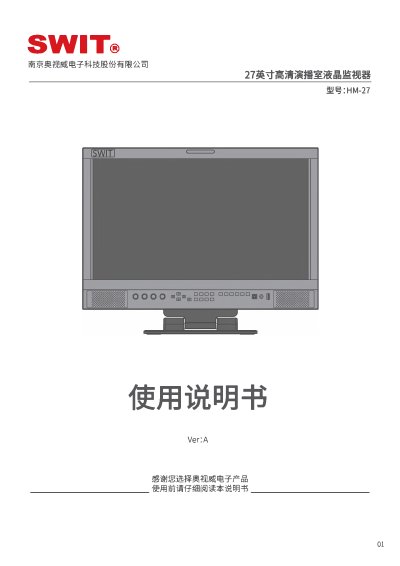
The SWIT HM-27 is a 27-inch high-definition studio LCD monitor featuring an IPS panel with a resolution of 1920x1080. It supports wide viewing angles (H178°/V178°) and includes multiple input options such as 3GSDI, HDMI, CVBS, YPbPr, and VGA. The monitor also offers various audio analysis features including a 16-channel digital audio unembedding display for SDI signals.
The device provides comprehensive video monitoring tools, including waveform displays (Y/Cb/Cr/R/G/B), vector scopes, histograms, and false color functions to assist in image adjustment. Users can control settings via front panel knobs and buttons or through GPI/RS-485 interfaces. The manual covers installation of optional accessories like battery plates and VESA mounts, as well as cleaning procedures and warranty information. This manual is written in Chinese.
| Panel Type | IPS LCD |
|---|---|
| Resolution | 1920x1080 |
| Viewing Angle | H178°/V178° |
| SDI Inputs | 2 channels (3G/HD/SD) |
| HDMI Input | 1 channel |
| Warranty Period | 2 years |
The product comes with a two-year warranty.
No, you must use the original specified power adapter to avoid damage.
Use a dry soft cloth and liquid crystal specific cleaner; do not use water or chemical cleaners.