
This user manual covers the operation, maintenance, and features of the SWIT DT-X71FI HDSDI&HDMI 7-inch portable on-camera LCD monitor.
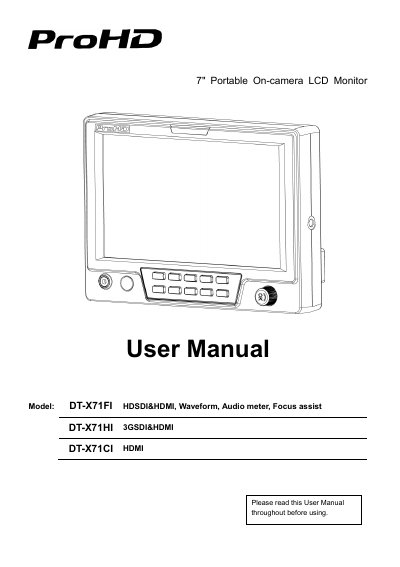
The SWIT DT-X71FI is a 7-inch portable on-camera LCD monitor featuring a high-resolution 1024x600 panel with 16.77 million colors. It supports multiple inputs including 2 HD/SD-SDI, 1 HDMI, and 1 Composite input, along with loop-through outputs for both SDI and HDMI signals. The device includes advanced monitoring tools such as waveform displays, vector scopes, histograms, and a 16-channel audio meter.
| LCD Panel Resolution | 1024x600 |
|---|---|
| Colors | 16.77 million colors |
| Contrast Ratio | 900:1 |
| Viewing Angle | H160°/V160° |
| Input Ports | 2 HD/SD-SDI, 1 HDMI, 1 Composite |
| Audio Meter Channels | 16 channels |
| Warranty Period | 2 years |
Connect the power cable or mount the battery, press the POWER button, and wait 10 seconds for the monitor to switch on.
The warranty period is 2 years.
It takes 10 seconds to switch on and enter normal working status.
The audio bar turns red when the level exceeds -10dB.