
The SWIT DT‑N21F Multi‑Format LCD Monitor Instruction Manual provides safety guidelines, installation steps, operation instructions, and maintenance…
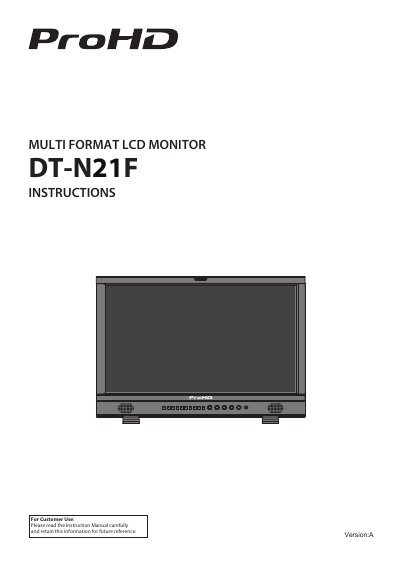
This manual begins with safety precautions, detailing proper handling, power‑source requirements, and environmental restrictions to protect users and the monitor. Installation instructions cover mounting, cable connections, and initial setup, ensuring the unit is securely positioned and powered.
Subsequent sections describe the front‑panel controls, input signal selection, menu navigation, volume adjustment, and troubleshooting. Maintenance tips explain how to clean the LCD panel and cabinet without damaging the device, and the appendix lists technical specifications and available video/audio signals.
| Power supply voltage | AC 120 V (USA/Canada) / AC 220‑240 V (Europe/Asia) |
|---|---|
| DC power input | 11 V‑17 V |
Wipe the screen with a soft cloth; do not use water or any liquid cleaners.
It uses AC 120 V in the USA/Canada or AC 220‑240 V in Europe/Asia.
Turn the Volume MENU/PUSH knob; the volume range is 0‑3.
No, the monitor will not display or output HDMI with HDCP protection.