
This user manual covers the operation, maintenance, and features of the SWIT DT-X71F portable on-camera LCD monitor, including input/output options and…
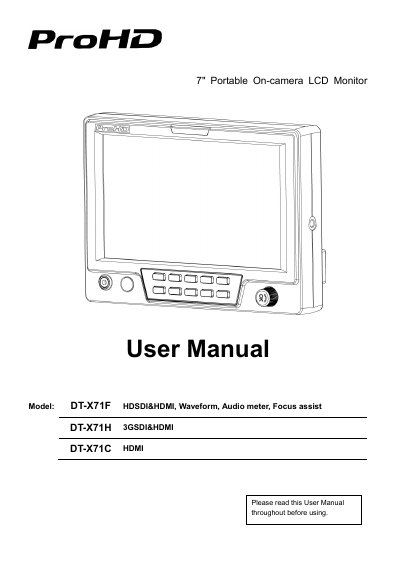
The SWIT DT-X71F is a 7-inch portable on-camera LCD monitor featuring a high-resolution 16:9 panel with 1024×600 resolution. It supports multiple inputs including two HD/SD-SDI, one HDMI, and one composite input, along with loop-through outputs for SDI signals.
The device includes advanced monitoring tools such as waveform displays (Y, Cb, Cr, R, G, B), vector scopes, histograms, 16-channel audio metering under HDSDI, and focus assist functions. It also offers false color modes, zebra stripes, and user-definable function keys for customized operation.
| Screen Size | 7" LCD Panel |
|---|---|
| Resolution | 1024×600, 16:9 |
| Contrast Ratio | 900:1 |
| Viewing Angle | H160° / V160° |
| Audio Meter Channels (HDSDI) | 16 channels |
The warranty period of this product is 2 years.
Press the 'FOCUS' button once to check status, then press again to switch between RED line and BLUE line focus assist.
The audio bar turns red when the level exceeds -10dB.