
User manual for the Swit S-1273F 27-inch professional video monitor, covering installation, operation, menu settings, and troubleshooting.
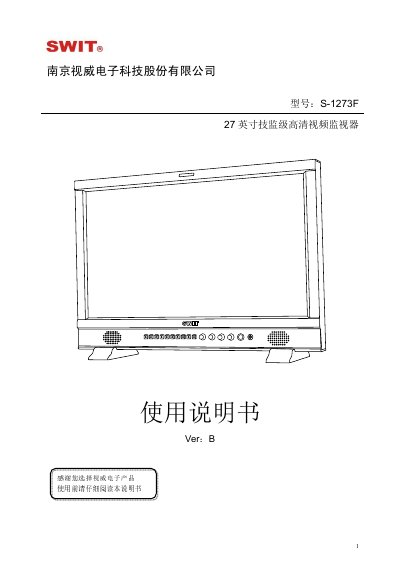
This manual provides instructions for the Swit S-1273F 27-inch professional video monitor. It includes information on the product's features, such as its IPS panel, 1920x1080 resolution, and support for multiple input formats including 3G-SDI, HDMI, and VGA. The guide details the front panel controls, including signal selection buttons and function keys for waveform and vector display. This manual is written in Chinese.
| Panel Type | IPS |
|---|---|
| Resolution | 1920 × 1080 |
| Viewing Angle | H178°/V178° |
| Warranty Period | Two years |
The warranty period for this product is two years.
Press the 'HDMI' button on the front panel to switch the input signal to HDMI.
Using a non-original power adapter may cause damage to the product and is not covered by the warranty.