
The SWIT M-1073H 7‑inch Full HD rack‑mount LCD monitor user manual provides setup, operation, OSD functions, specifications, and troubleshooting guidance.
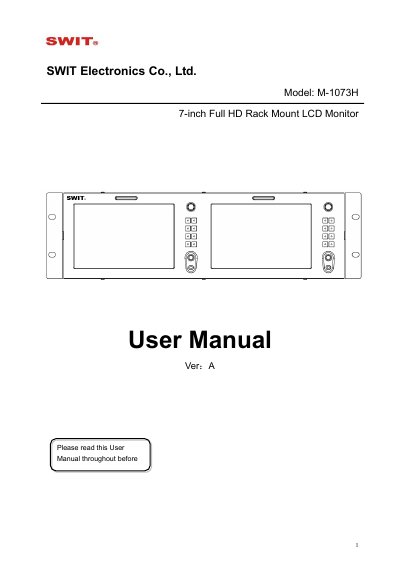
This manual describes the SWIT M-1073H 7‑inch Full HD rack‑mount LCD monitor, its hardware interfaces, and how to install and operate the unit safely. It includes safety warnings, power‑adapter requirements, cleaning instructions, and warranty information.
The document walks the user through front‑panel controls, back‑panel connectors, OSD menu navigation, zoom‑in and mapping functions, picture and color settings, and provides a full specification table and troubleshooting guide for common issues such as no display or audio problems.
| Display size | 7 inch |
|---|---|
| Resolution | 1920×1200 |
| Brightness | 400 cd/m² |
| Contrast ratio | 1000:1 |
| Viewing angle | 160°/160° |
| Power consumption | 18‑26 W |
| Dimensions | 484×130×82 mm |
| Net weight | 2.4 kg |
Connect the power cable and press the POWER button on the front panel.