
This PDF file is a user manual for Philips MCD137 DVD Micro Theater 2. It introduces the product's features and usage methods.
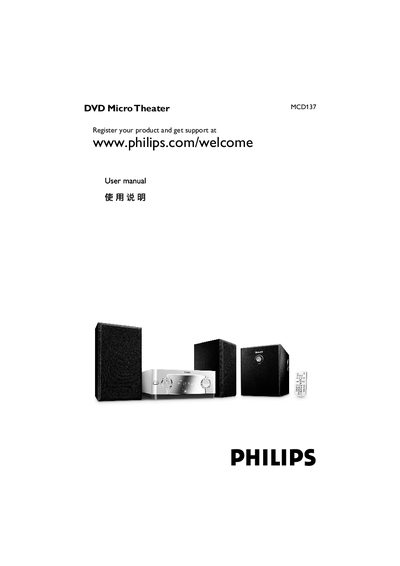
This manual guides you through registering the Philips MCD137 DVD Micro Theater, connecting speakers, subwoofer and TV, and using the remote control. It also covers safety precautions, environmental disposal, and troubleshooting steps.
Technical specifications, speaker placement recommendations, and detailed instructions for playing DVDs, VCDs, MP3 and JPEG discs are included, along with maintenance tips such as disc cleaning and component care.
| Power supply | 220‑240 V / 50 Hz |
|---|---|
| Output power | 2 × 5 W + 10 W RMS |
| Frequency response | 20 Hz – 20 kHz (±3 dB) |
| Dimensions (W × H × D) | 215 mm × 90 mm × 217 mm |
| Weight | 1.14 kg |
| Remote control range | 6 m |
Place the left and right speakers at equal distance from the TV and about 45° from the listening position, and place the subwoofer on the floor near the TV.
Visit www.philips.com/welcome and register the MCD137 DVD Micro Theater.
Use a lint‑free cloth and wipe the disc from the centre outward; do not use solvents or abrasive cleaners.