
This document is an electronic user manual for Philips LCD monitors, including safety precautions, troubleshooting, regulations, and other related information.
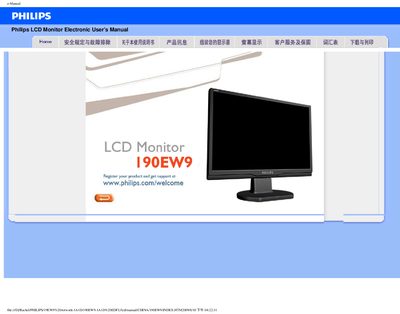
This electronic user manual covers the Philips 190EW9 LCD Monitor. It provides safety and troubleshooting information, frequently asked questions, and technical specifications for the display.
Topics include safe operation and maintenance, screen adjustment, compatibility with other peripherals, LCD screen technology, and ergonomic, ecological, and safety standards.
| Native resolution | 1440 x 900 |
|---|---|
| LCD surface hardness | 2H pencil |
| Operating temperature | 0-40 °C |
| Humidity | 20-80% RH |
| VESA mount | 4 standard VESA holes |
Yes, the back panel has 4 standard VESA mounting holes for most VESA-compatible arms or accessories.
Use a soft fine tissue for regular cleaning, or isopropyl alcohol for thorough cleaning.
Press AUTO to restore optimal screen position, phase and sync pulse settings.