
The document describes the features and characteristics of the MCD137 DVD Micro Theater 2. The product is manufactured under license from Dolby Laboratories and includes Dolby sound and copyright protection technology. It provides instructions for connection and use, as well as a guide on playing discs.
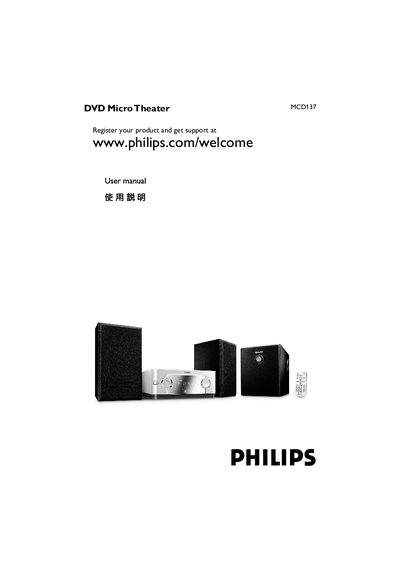
This user manual is for the Philips MCD137 DVD Micro Theater. It covers safety information, unpacking, speaker and TV connections, power connection, controls, remote control operation, disc playback, DVD menu settings, technical specifications, troubleshooting and a glossary.
The manual is organized into sections including general information, connections, function overview, getting started, disc operation, DVD menu options, technical specifications, troubleshooting and glossary. This manual is written in Chinese.
The included accessories are a remote control, composite video cable (yellow), audio cable (white/red), user manual and quick start guide.
The voltage selector on the back of the subwoofer is preset by the factory to 220V-240V.
Connect the supplied audio cable to the DVD player's LINE OUT (L/R) and the subwoofer's AUDIO IN, then connect the speaker wires to the subwoofer's SPEAKER terminals with right to R, left to L, red to + and black to -.
An external RF modulator is needed to view DVD playback on a TV that has only an antenna input.