
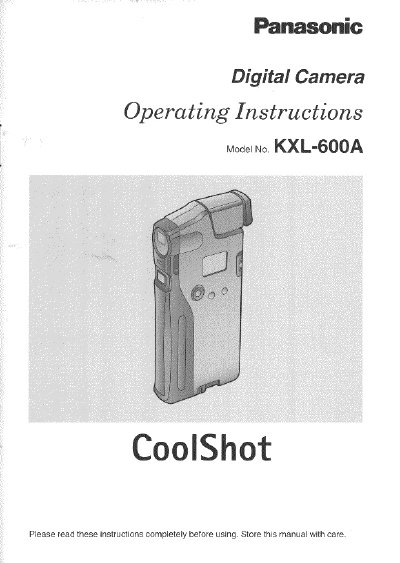
Panasonic KXL-600A Digital Camera Operating Instructions


Panasonic KXL-600A Digital Camera Operating Instructions - cover page
Brand
Panasonic
Category
Player
Document type
User Manual
Language
English
Pages
84
File format
PDF
File size
1.6 MB
Published
10 August, 2012
Updated
13 August, 2012
MD5 checksum
27666EB39AF0DAAEE3E6911294747AA4

About this manual

This manual provides operating instructions for the Panasonic KXL-600A CoolShot digital camera. It covers essential topics such as attaching the wrist strap and eye cap, inserting the memory card, and installing batteries. The guide details basic photography functions including adjusting focus, positioning the image, and exposure adjustment, as well as specific techniques for outdoor and indoor photography.

What's inside

  • Package Contents
  • Precautions
  • Part Names and Functions
  • Inserting the Memory Card
  • Installing the Batteries
  • Basic Photography
  • Setting Image Quality
  • Adjusting Focus
  • Using the Self-Timer
  • Connecting the Camera to a TV

Specifications

Memory Card Capacity2 MB

Frequently asked questions

What should I do before capturing an important image?

It is recommended that you capture a test image and view it to make sure that it was captured as expected.

What is the model number of this digital camera?

The model number of this digital camera is KXL-600A.

How many batteries are required to operate the camera?

The camera requires four batteries to operate.

What is the capacity of the included memory card?

The included memory card has a capacity of 2 MB.

Download PDF (1.6 MB)

More Panasonic Manuals


View all Panasonic manuals →