
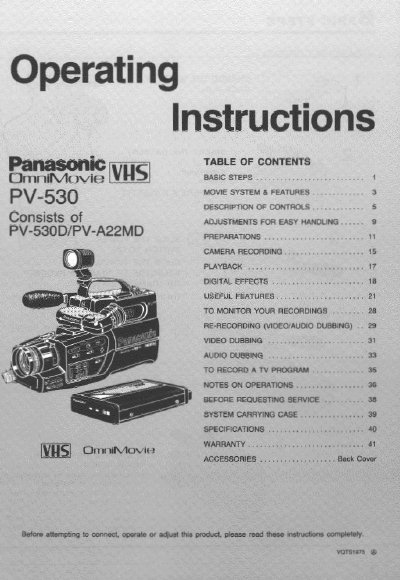
Panasonic PV-530 Camcorder Operating Instructions


Panasonic PV-530 Camcorder Operating Instructions - cover page
Brand
Panasonic
Category
Camcorders
Document type
User Manual
Language
English
Pages
44
File format
PDF
File size
1.9 MB
Published
10 August, 2012
Updated
13 August, 2012
MD5 checksum
3485F8F4CE3F7843099F2C45057951E5

About this manual

This manual provides operating instructions for the Panasonic PV-530 camcorder, which consists of the PV-530D and PV-A22MD units. It details basic steps for recording, including charging the battery, inserting a cassette, and setting the power switch and VCR/Camera selector. The document also explains how to watch playback in the Electronic View Finder (EVF) and lists various special effects available for recording and playback.

What's inside

  • MOVIE SYSTEM & FEATURES
  • DESCRIPTION OF CONTROLS
  • ADJUSTMENTS FOR EASY HANDLING
  • CAMERA RECORDING
  • PLAYBACK
  • DIGITAL EFFECTS
  • USEFUL FEATURES
  • TO MONITOR YOUR RECORDINGS
  • RE-RECORDING (VIDEO/AUDIO DUBBING)
  • TO RECORD A TV PROGRAM

Specifications

Zoom Capability8 times closer
Self Timer Delay10 sec

Frequently asked questions

What is the recommended tape mode for this camcorder?

Your Movie is designed to record and play back in SP mode only.

How do I enable the High Speed Shutter?

Turn the High Speed Shutter Switch ON to record fast-paced action.

What does the Tally Light indicate?

The red tally light alerts those being recorded that a recording is in progress.

Download PDF (1.9 MB)

More Panasonic Manuals


View all Panasonic manuals →