
Panasonic MW-20 Digital Photo Frame Operating Instructions

This manual details the usage of Panasonic Digital Photo Frame MW-20 P, including preparation before use, operation steps, function settings, troubleshooting and more.
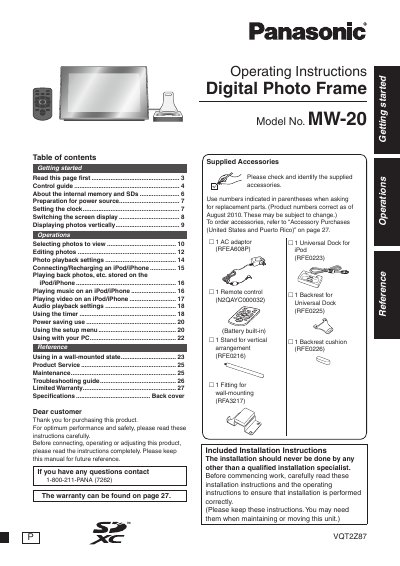

Panasonic MW-20 Digital Photo Frame Operating Instructions - cover page
Brand
Panasonic
Category
Digital
Document type
User Manual
Language
English
Pages
28
File format
PDF
File size
1.9 MB
Published
10 August, 2012
Updated
30 September, 2023
MD5 checksum
19B66DB49AF92AA4A4E9D52D0B7C0551

About this manual

This manual provides operating instructions for the Panasonic MW-20 Digital Photo Frame. It covers getting started with the device, including power source preparation and clock settings. The guide details how to view, edit, and play back photos and videos stored on SD cards or compatible iPod/iPhone devices.

What's inside

  • Getting started
  • Control guide
  • About the internal memory and SDs
  • Preparation for power source
  • Setting the clock
  • Switching the screen display
  • Displaying photos vertically
  • Selecting photos to view
  • Editing photos
  • Connecting/Recharging an iPod/iPhone

Specifications

Playable photos (JPEG)Max. 5120 × 3840 pixels
Min. photo pixels64 × 64 pixels
Approximate number of folders1000 folders

Frequently asked questions

What file formats are playable?

The device plays back photos in JPEG format.

Can I record data onto the iPod/iPhone using this unit?

No, you cannot record or save data onto the iPod/iPhone using this unit.

Download PDF (1.9 MB)

More Panasonic Manuals


View all Panasonic manuals →