
Panasonic KX-PX2M Home Photo Printer Operating Instructions

This is an operating instruction manual for the Panasonic Home Photo Printer KX-PX2M. The manual includes important safety instructions, information on purchasing accessories, and instructions for proper operation. It also explains the functions that can be used when the printer is connected to a printer, camera, or computer.
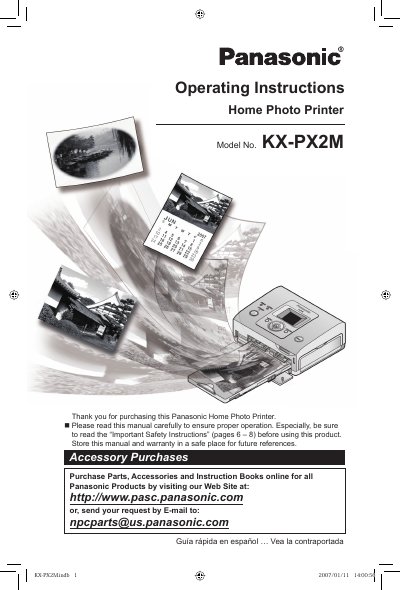

Panasonic KX-PX2M Home Photo Printer Operating Instructions - cover page
Brand
Panasonic
Category
Printer
Document type
User Manual
Language
English
Pages
80
File format
PDF
File size
5.3 MB
Published
10 August, 2012
Updated
29 September, 2023
Model
KX-PX2M
MD5 checksum
64AEE9643A5D8D435CC6920F99CE8AE3

About this manual

This manual provides operating instructions for the Panasonic KX-PX2M Home Photo Printer. It details the package contents, including the printer, power cord, paper cassette, ink cassette, and starter kit. The document emphasizes reading safety instructions before use and storing the manual for future reference.

What's inside

  • Important Safety Instructions
  • Package Contents
  • Names and Functions of Each Part
  • Preparation
  • Printing with a Digital Camera
  • Printing with the LCD Monitor
  • Printing with a Computer
  • Troubleshooting
  • Maintenance
  • Specifications

Frequently asked questions

What is required to print with this printer?

A Paper and Ink set sold separately is required in order to print.

How many times does the paper move during printing?

The paper moves back and forth 4 times during printing.

Download PDF (5.3 MB)

More Panasonic Manuals


View all Panasonic manuals →