
This document is the operating instructions for the Panasonic Home Photo Printer KX-PX20M. The document includes important safety instructions, information on purchasing accessories, and details about the printer's functions.
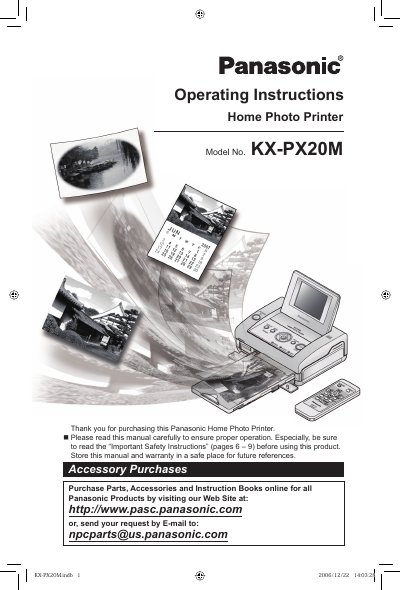
This manual provides operating instructions for the Panasonic KX-PX20M Home Photo Printer. It guides users through initial setup, including connecting power sources and inserting batteries for the remote control. The document details how to use the printer with various devices, such as digital cameras, LCD monitors, and personal computers, utilizing features like PictBridge and specific driver software.
If you believe a child has swallowed a coin battery, you must contact a physician immediately.
The paper moves back and forth 4 times during printing.
Unplug the product from power outlets and contact the Panasonic Call Center at 1-800-211-7262.